Why Gaming Monitors Became Their Own Product Category
Why Gaming Monitors Became Their Own Product Category
A monitor used to be a monitor — pick a size, pick a resolution, done. Gaming changed that. Walk into any electronics section today and "gaming monitor" sits as its own distinct shelf, with its own spec-sheet vocabulary that has almost nothing to do with what mattered for a general office display.
Refresh Rate: The Headline Number
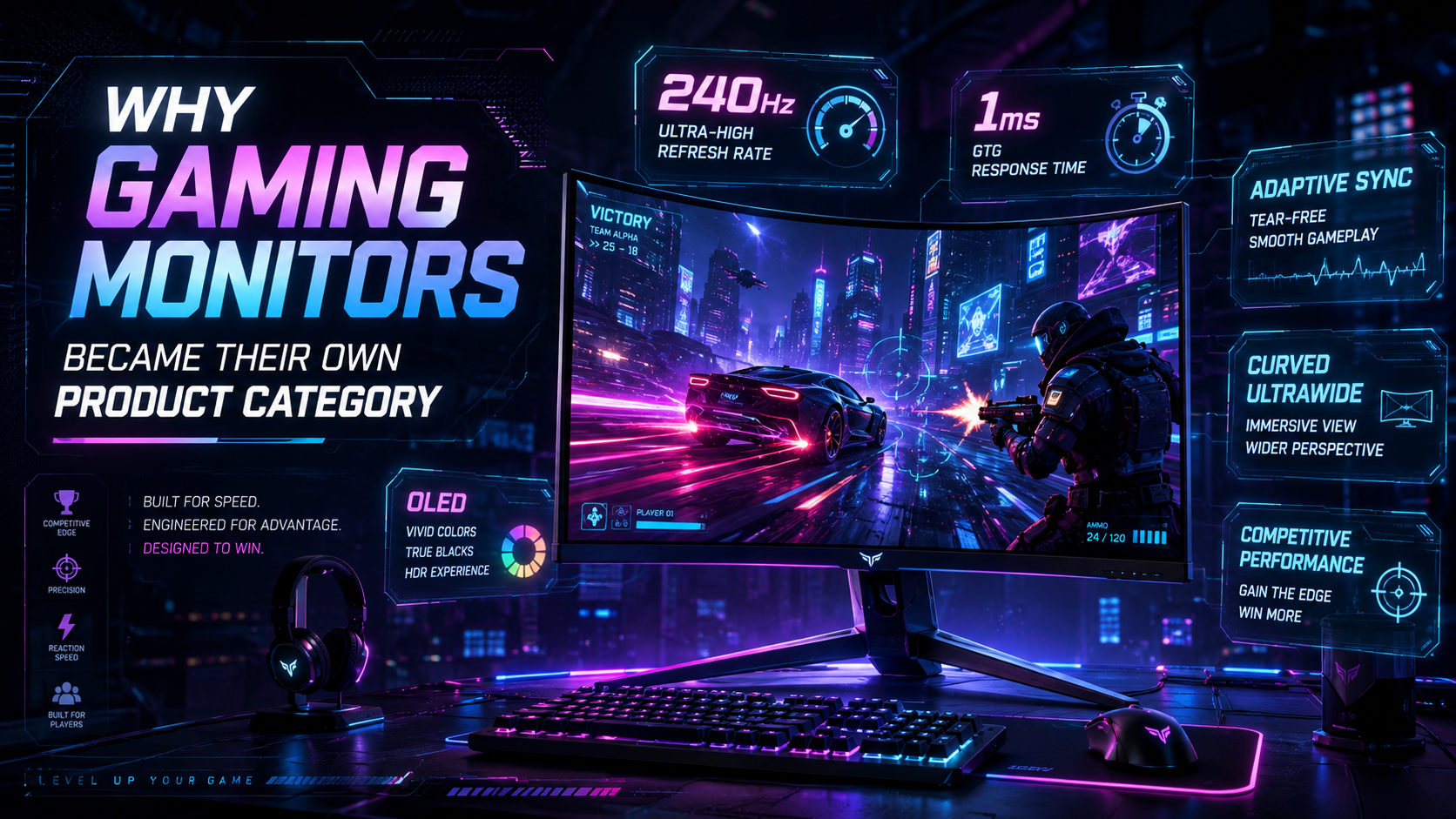
Refresh rate, measured in Hz, is how many times per second a monitor updates the image it's displaying. Standard monitors run at 60Hz — 60 updates per second, which is fine for reading documents or watching video. Gaming monitors commonly range from 144Hz up to 360Hz and beyond. In fast-paced or competitive games, a higher refresh rate produces noticeably smoother perceived motion and makes it genuinely easier to track fast-moving objects on screen — the difference between a scene looking like a smooth pan and looking like a slightly choppy slideshow.
Response Time: The Number Right Next to It
Response time measures how quickly a single pixel can change color, in milliseconds. Lower response times reduce motion blur and ghosting — the faint trailing image that can follow a fast-moving object across the screen. A high refresh rate paired with a slow response time undercuts itself; the two specs work together, which is why gaming monitor listings always quote both rather than just the flashier refresh-rate number.
Adaptive Sync: Fixing the Tearing Problem
Adaptive sync technologies match the monitor's refresh rate to the graphics card's frame output in real time, rather than forcing the two to run independently. Without it, a mismatch between how fast the GPU renders frames and how fast the monitor refreshes can cause visible screen tearing or stuttering — a genuinely distracting visual glitch during fast motion. Syncing the two eliminates that mismatch, which matters more as refresh rates climb higher and the timing gets tighter.
Panel Technology Caught Up Too
Early gaming monitors often traded away color and contrast quality to hit high refresh rates. That gap has closed significantly — Mini LED and OLED gaming monitors have become increasingly common, offering meaningfully better contrast and color accuracy than older panel types while still hitting high refresh rates. A gaming monitor no longer has to be the compromise pick for anyone who also cares about how a screen looks outside of gaming.
Why It Still Matters
None of these specs existed as consumer shopping criteria a couple of decades ago — a "good monitor" just meant a sharp, appropriately sized screen. Refresh rate, response time, adaptive sync, and panel technology all became a distinct, interconnected spec sheet specifically because competitive and fast-paced gaming exposed real, perceivable differences that general productivity use never did. That's the whole reason "gaming monitor" earned its own aisle instead of just being a size variant of a regular one.
SEO Keywords: gaming monitors, refresh rate, response time, adaptive sync, Mini LED, OLED monitor, display technology, PC gaming